Customize Weather Scope Your Way with Radar Color Themes, Light & Dark Mode, and More
Customize Weather Scope Your Way with Radar Color Themes, Light & Dark Mode, and More
Weather Scope is built to help you see the weather your way. From Global Radar color themes to light and dark mode, customizable widget themes, globe mode, animation speed, overlay opacity, street maps, and satellite view, the app gives you more control over how your forecast experience looks and feels.
Not every weather app should look the same for every user. Some people want bold radar colors, others prefer a cleaner visual style. Some want a dark interface for nighttime viewing, while others like a bright and minimal layout during the day. Weather Scope makes it easy to personalize the app around your own preferences.
Customize your Global Radar colors
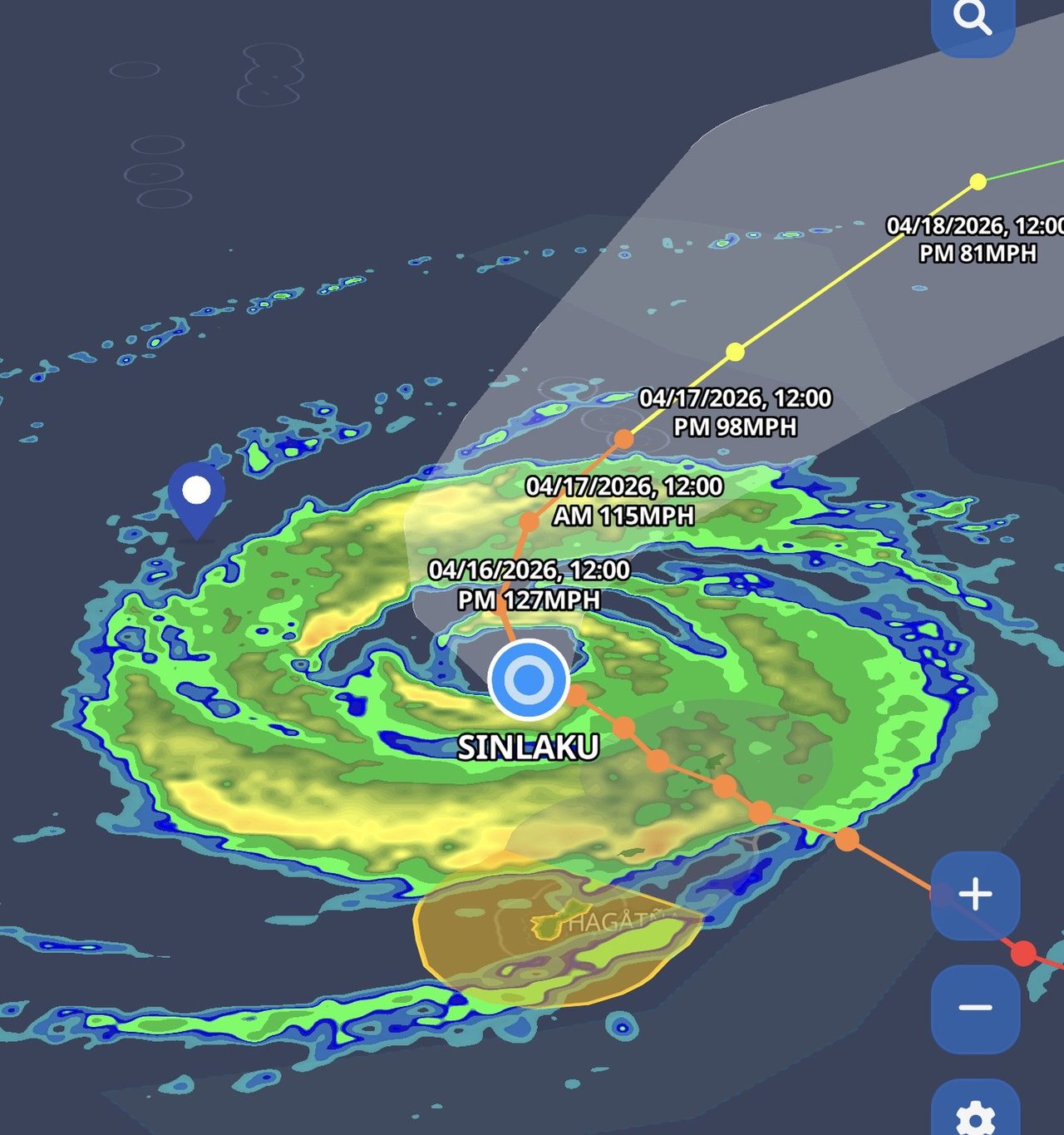
One of the most exciting personalization features in Weather Scope is the ability to change the color of your Global Radar directly from Settings > Color Themes. This lets you choose the radar palette that feels best for your eyes and your style, while still keeping the weather data front and center.
Whether you prefer classic radar colors, higher-contrast palettes, or a more unique look, Color Themes give you more flexibility in how radar appears across the app. It is a simple setting, but it can completely change the visual feel of the radar experience.
More ways to personalize Weather Scope
Radar color customization is only one part of the personalization experience. Weather Scope also includes a wide range of settings that help you tailor the app to the way you track weather every day.
- Light Mode and Dark Mode for the interface style you prefer
- Customizable widget themes for a more consistent look across your home screen
- Globe mode for a more immersive global weather view
- Animation speed controls so radar playback moves at the pace you want
- Overlay opacity controls to fine-tune how map data blends with the base map
- Street map view for a cleaner road and location reference
- Satellite view for a more detailed visual map background
These settings make it easier to create a weather app experience that feels more comfortable, more readable, and more useful for how you personally use the map.
Designed for both style and usability
Customization in Weather Scope is not just about appearance. It is also about usability. The right radar color theme can improve readability. The right overlay opacity can help forecast layers stand out more clearly. The right map style can make it easier to understand your surroundings at a glance.
By giving users more control over how weather data is displayed, Weather Scope helps turn personalization into a practical feature, not just a visual extra.
Why personalization matters in a weather app
Weather is something people check throughout the day, in different lighting conditions, on different devices, and for different reasons. A flexible interface matters. Whether you are casually checking radar, tracking storms, watching tropical systems, or reviewing forecast overlays, the ability to personalize the experience can make a real difference.
That is why Weather Scope continues to add settings and options that help users make the app their own.
Make Weather Scope feel like your weather app
If you want more control over how radar and map data look, open Weather Scope and explore the available personalization settings today. From Settings > Color Themes to map style and display controls, Weather Scope gives you more ways to build the weather app experience that works best for you.